
App Lock - Lock Apps, Fingerprint & Password Lock1.1.9 - AppGallery
You'll be able to see results in few seconds.
Publisher Description


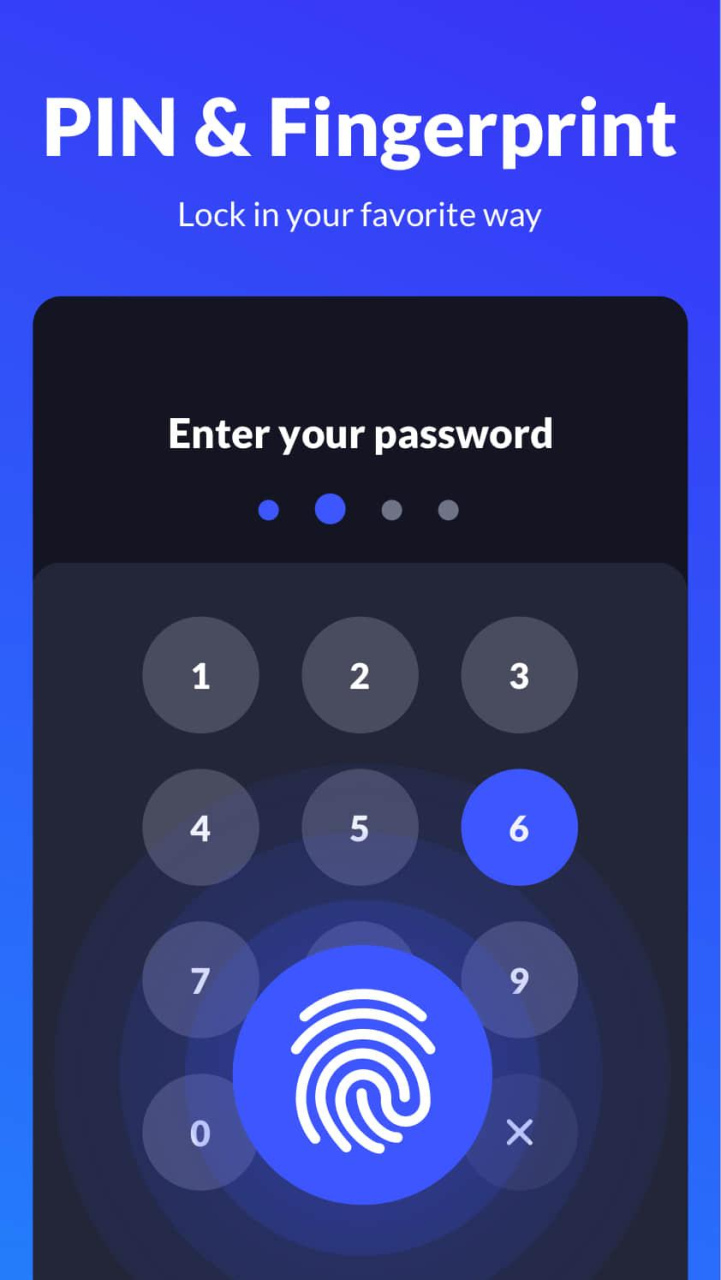
App Lock protects your privacy with pattern, fingerprint, password lock. Just one click to lock apps and secure your phone!
#With App Locker, You Can:
Lock all apps - Facebook, WhatsApp, Messenger, Calls, Gmail, Snapchat, Play Store, etc. No more unauthorized access and guard your privacy!
Hide photos and videos - encrypt Gallery to make it a photo vault. Keep your private memories safe, no one can see them without password.
Use multiple lock types - both pattern and fingerprint are available. With invisible pattern draw path, no one can peep at your pattern.
Intruder selfie - take pictures of any intruders that enter an incorrect password.
#Why Need App Locker?
No more worrying about others checking your social media apps, messages, calls, etc.
Keep your friends from snooping around when they borrow your phone.
Prevent kids from sending wrong messages, messing up system settings, and paying for games.
Never worry about people reading your private data.
#More Features of App Locker
Lock new apps
Detect the installation of new apps and lock them in one click. Provide all-round protection.
Lock apps in real time
Lock without delay, no need to worry about the app content being displayed before the lock kicks in.
Customize the re-lock time
Activate the lock at a specific time, no need to enter password repeatedly before that.
Advanced protection
Hide App Lock from recent apps to prevent it from being found by others.
Reset password
Reset your password with security questions if you forget it.
Easy to operate
One click to enable/disable App Locker.
#About Permissions
Permissions may be required in order to provide you with a more convenient and stable service, and Applock won't use these permissions to access any of your personal information.
#Features Coming Soon
✔ PIN lock with random keyboard
✔ Intruder selfie, capture photos of intruders
✔ Photo vault to encrypt and hide your photos & videos
✔ Private browser, browse incognito without leaving any traces
✔ Replace App Locker icon to confuse snoopers
✔ Rich themes
✔ Hide notifications preview
...
#FAQ
How to use the Fingerprint Lock?
You can enable Fingerprint Unlock in app settings if your device supports fingerprint recognition and is Android 6.0 or higher.
We'll continue to improve our app. Any questions and suggestions are welcome.
Contact us: xlockfeedback@gmail.com
App lock
Are you looking for an App lock? Now, try our App lock, just click one time to block apps.
App lock fingerprint
Why not try the app lock fingerprint? The app lock fingerprint will bring you an excellent experience.
App lock pattern
We developed an efficient app lock pattern. What’s more, our app lock is totally free for users. You can create a complex app lock pattern for your apps.
App Locker
This is a small app locker. You can find out who's trying to unlock your apps. Try it and use the app locker freely.
Apps locker master with password
Do you need apps locker master with password?The apps locker master with password can better help you manage your apps and take photos of the offenders.
Lock apps
Want to lock apps? Looking for a good lock? Try the best app lock. You can lock apps you want.
Lock apps with password
The function that you can lock apps with password. The App Lock supports you to lock apps with password and camouflage application. You can easily keep your privacy.
WhatsApp lock
Want to protect WhatsApp? This is a convenient WhatsApp lock. Try the WhatsApp lock with your fingerprint.
Fingerprint lock
Would you like to use fingerprint lock? Download it and try our fingerprint lock.
About App Lock - Lock Apps, Fingerprint & Password Lock
The company that develops App Lock - Lock Apps, Fingerprint & Password Lock is Leap Fitness Group. The latest version released by its developer is 1.1.9.
To install App Lock - Lock Apps, Fingerprint & Password Lock on your Huawei device, just click the green Continue To App button above to start the installation process. The app is listed on our website since 2021-12-23 and was downloaded 0 times. We have already checked if the download link is safe, however for your own protection we recommend that you scan the downloaded app with your antivirus. Your antivirus may detect the App Lock - Lock Apps, Fingerprint & Password Lock as malware if the download link to C105182029 is broken.
How to install App Lock - Lock Apps, Fingerprint & Password Lock on your Huawei device:
- Click on the Continue To App button on our website. This will redirect you to Huawei Store.
- Once the App Lock - Lock Apps, Fingerprint & Password Lock is shown in the Huawei Store listing of your Huawei device, you can start its download and installation. Tap on the Install button located below the search bar and to the right of the app icon.
- A pop-up window with the permissions required by App Lock - Lock Apps, Fingerprint & Password Lock will be shown. Click on Accept to continue the process.
- App Lock - Lock Apps, Fingerprint & Password Lock will be downloaded onto your device, displaying a progress. Once the download completes, the installation will start and you'll get a notification after the installation is finished.
Program Details
System requirements
Download information
Pricing
Version History
version 1.1.9.HW
posted on 2021-12-23
Disclaimer
Official AppGallery Link
We do not host App Lock - Lock Apps, Fingerprint & Password Lock on our servers. We did not scan it for viruses, adware, spyware or other type of malware. This app is hosted by Huawei and passed their terms and conditions to be listed there. We recommend caution when installing it.
The AppGallery link for App Lock - Lock Apps, Fingerprint & Password Lock is provided to you by apps112.com without any warranties, representations or guarantees of any kind, so access it at your own risk.
If you have questions regarding this particular app contact the publisher directly. For questions about the functionalities of apps112.com contact us.
